

Example case
In this example, we have an AI chatbot that offers:- 10 messages per month for free
- An option for customers to top-up messages in packages of $10 per 100 messages.
Configure Pricing
1
Create Features
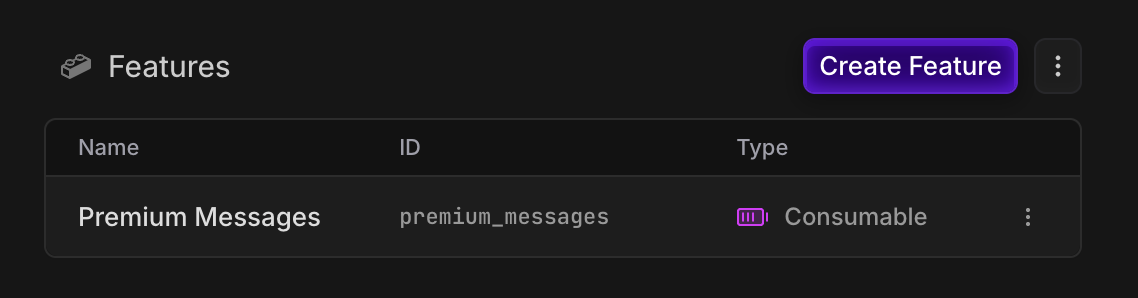
Create ametered consumable feature for our messages, so we can track their balance.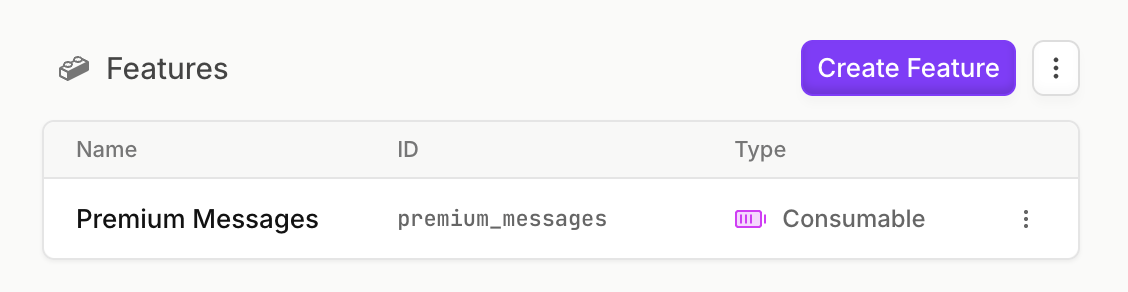
2
Create Free and Top-up Plans
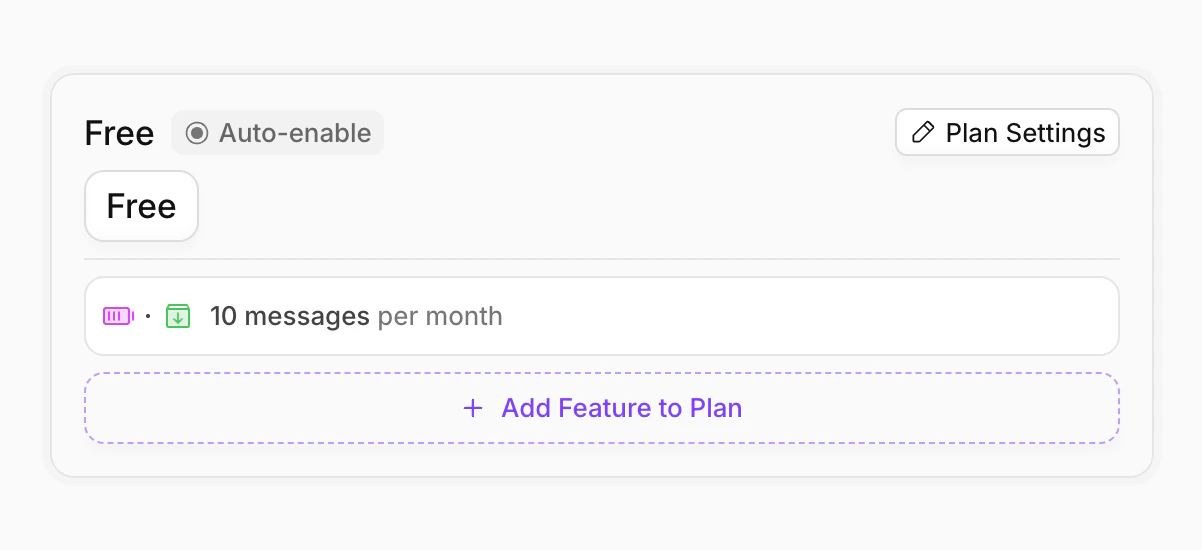
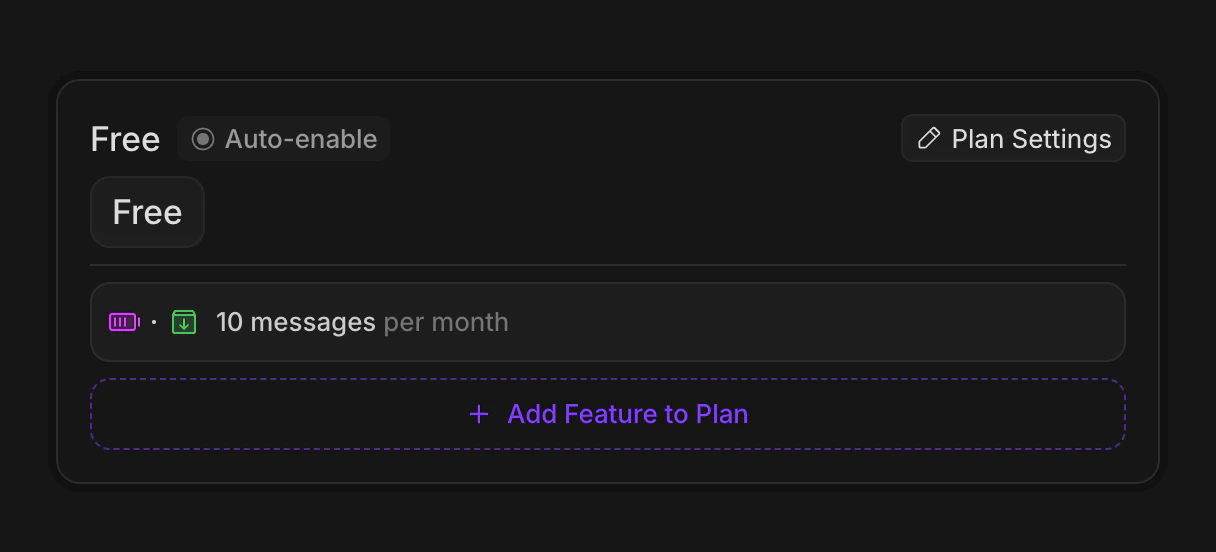
Free PlanCreate a free plan, and assign 10 messages to it. We’ll add an interval of “month”, so that the user is granted 10 periodically.
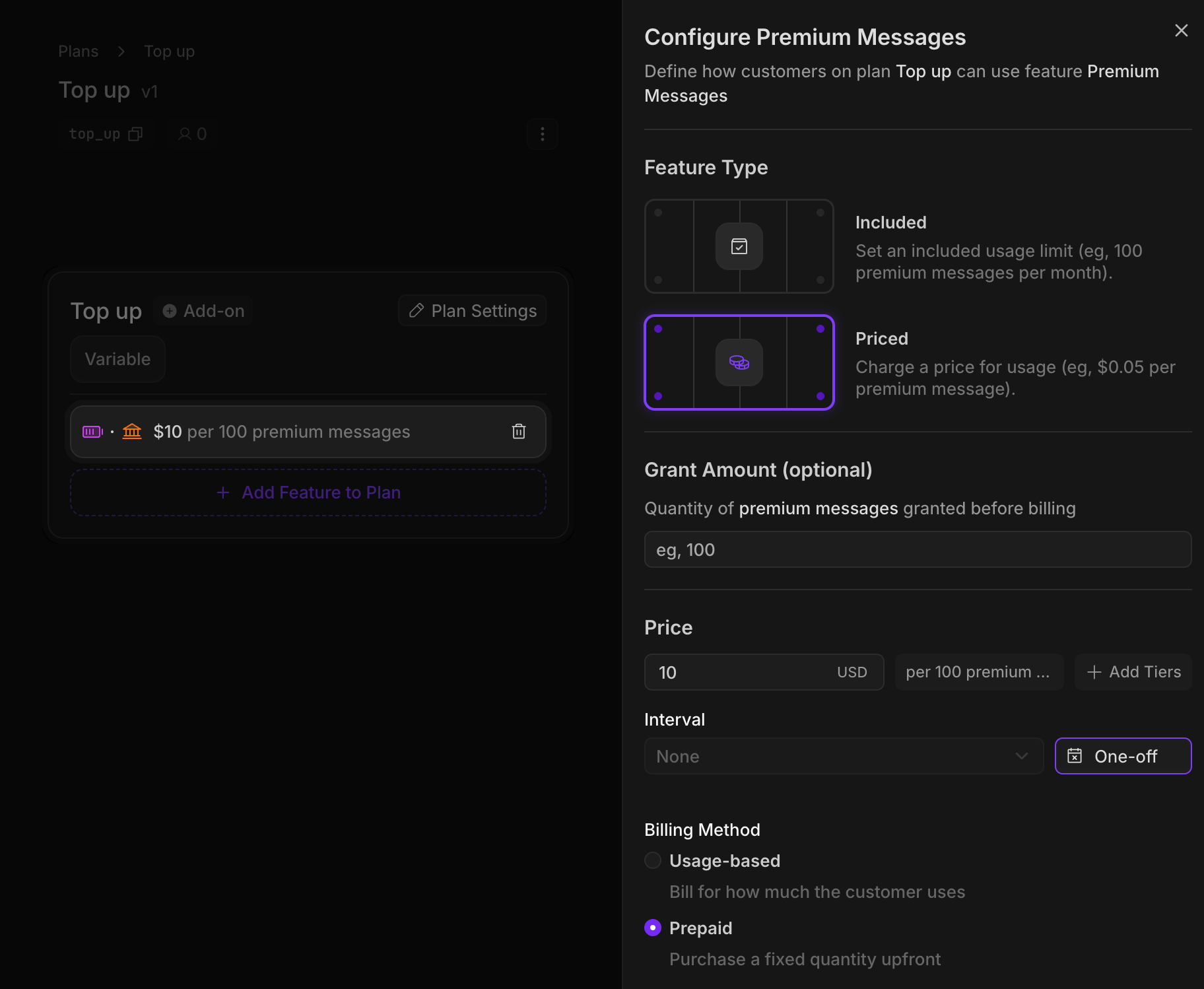
Now we’ll create our top-up plan. Again, we’ll assign the messages feature, but this time with a
prepaid price of $10 per 100 messages.Since these messages have interval “one-off”, the messages will last forever (unlike our Free plan messages, which reset every month).Features with a prepaid price require a quantity to be passed in when a customer purchases the plan, so the customer can specify how many messages they want to top up with.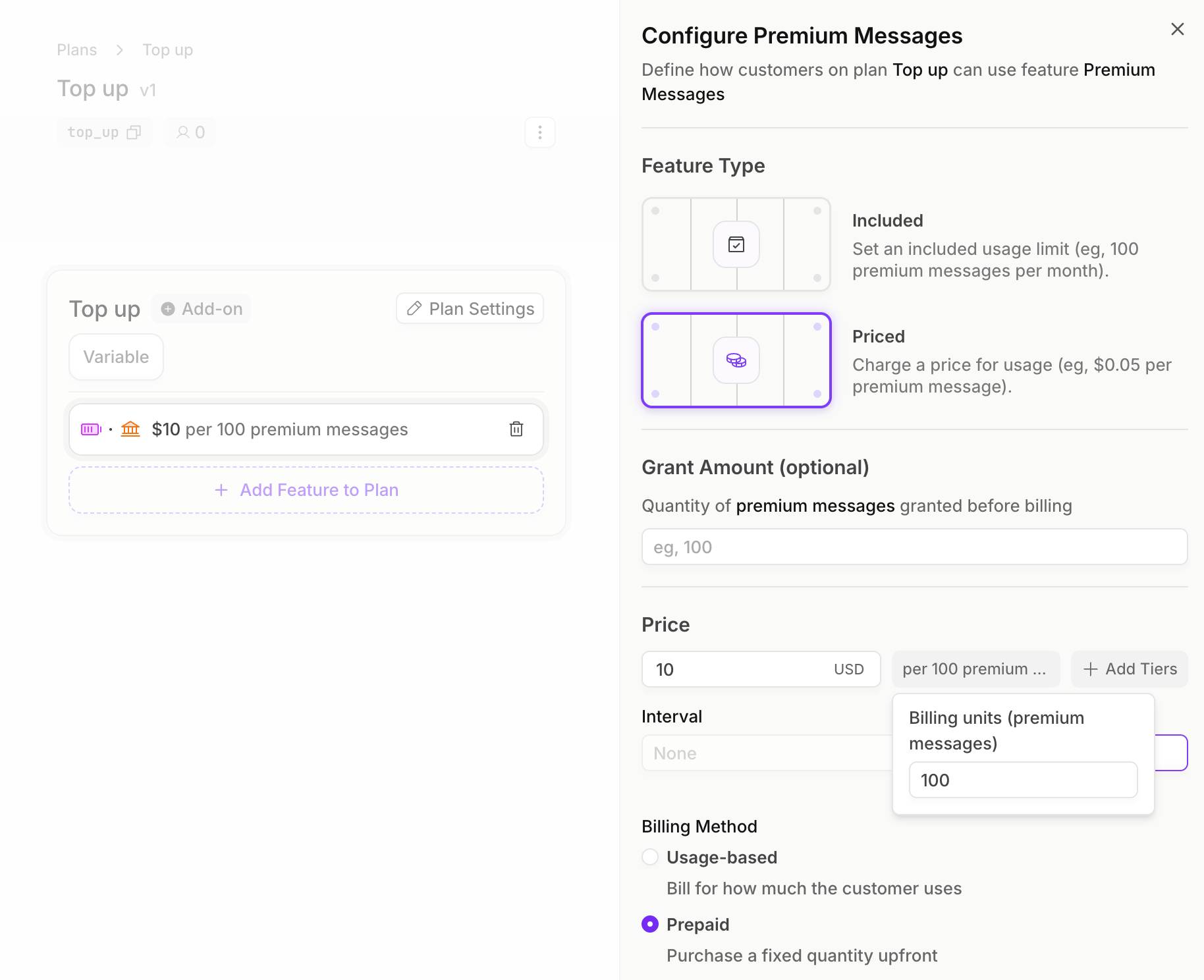
Implementation
1
Create an Autumn Customer
When your user signs up, create an Autumn customer. This will automatically assign them the Free plan, and grant them the 10 monthly messages.2
Checking for access
Before our user sends a message, we’ll first check if they have a balance of messages remaining.3
Tracking messages used
After the user has used a message, record it in Autumn to decrease their remaining balance. In this example, the user used 5 messages.4
Purchasing top-ups
When users run out of messages, they can purchase additional messages using our top-up plan. In this example, the user is purchasing 200 premium messages, which will cost them $20.5
Displaying balances to the user
You can display to the user by getting balances from thecustomer method. Under the customer.features record, you’ll be able to retrieve a current balance, total granted, and a breakdown of their monthly vs top-up messages.