

Configure Pricing
You can toggle on a trial for a plan when creating it, or in the “plan settings” section. Switch off the “card required” flag.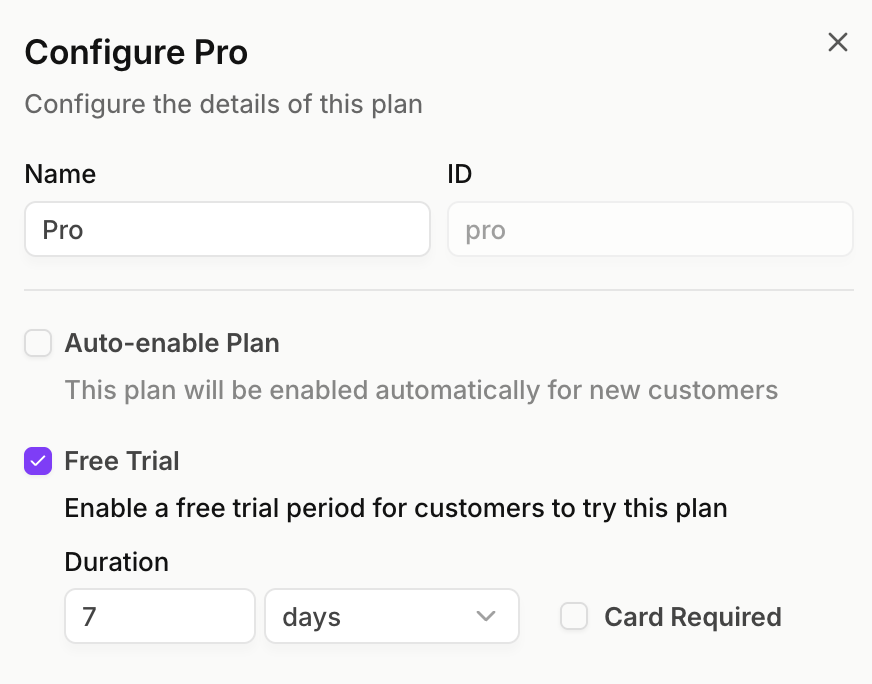
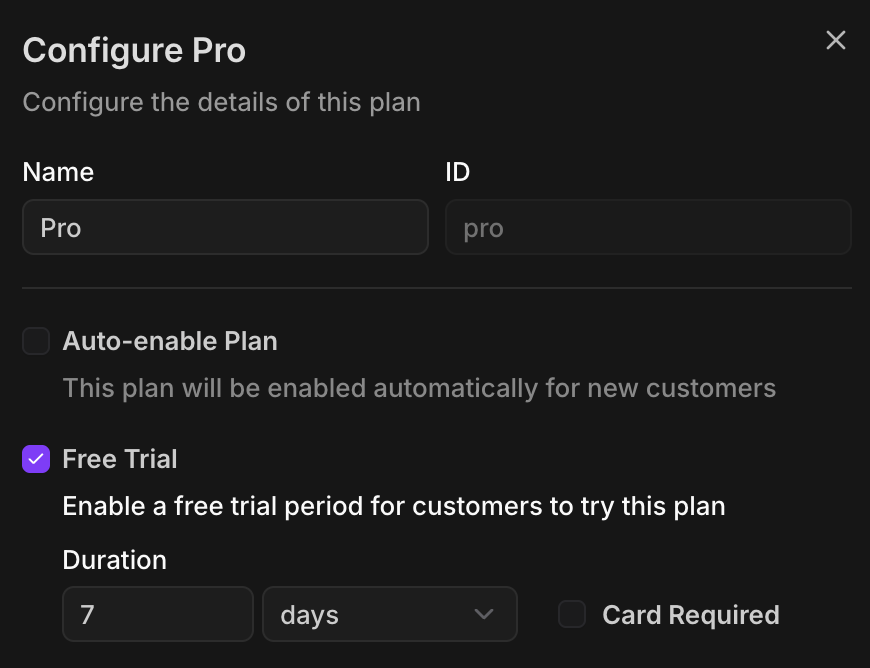
The “card required” flag will only be visible if the plan is a paid plan. However, you can also add a limited-time trial to a free plan.This is similar to a card-not-required trial, but there will be no automatic billing when the trial ends. Instead, you can manually
attach the plan to the customer to bill them.Auto-enabling the trial plan
Auto-enabling the trial plan
Since no card is required, you can choose whether the plan is enabled automatically when a customer is created, or if you want to manually attach the plan to a customer (eg, when they opt-in to the trial).If you switch the “auto-enable” flag to true, the trial plan will be automatically applied to newly created customers. The plan will be labelled as an 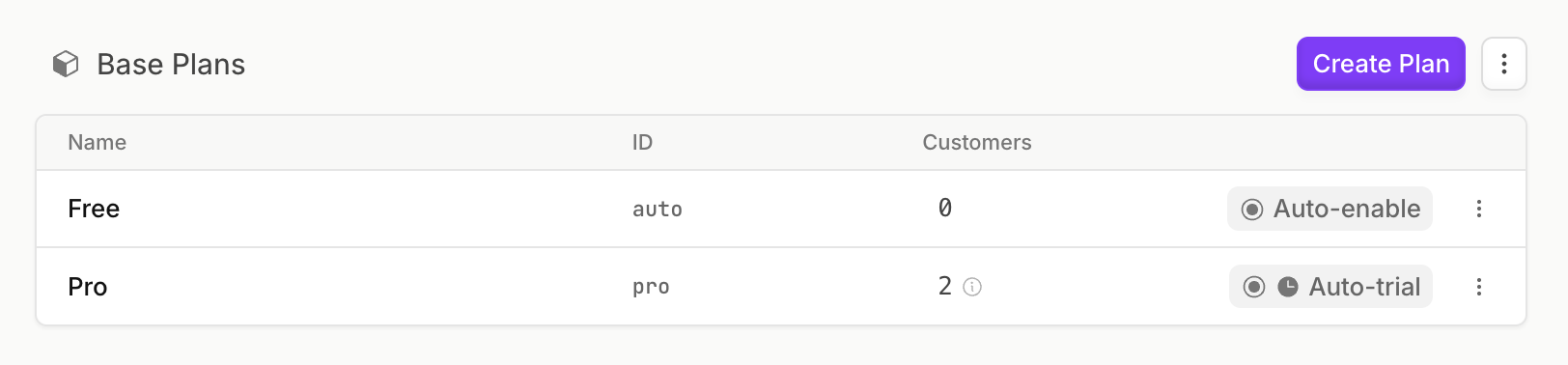
auto-trial plan. Customers will only be able to access this trial once.You can also create another free auto-enable plan without a trial. This will be enabled if the customer does not add a payment method during the trial, or if they cancel their plan later on.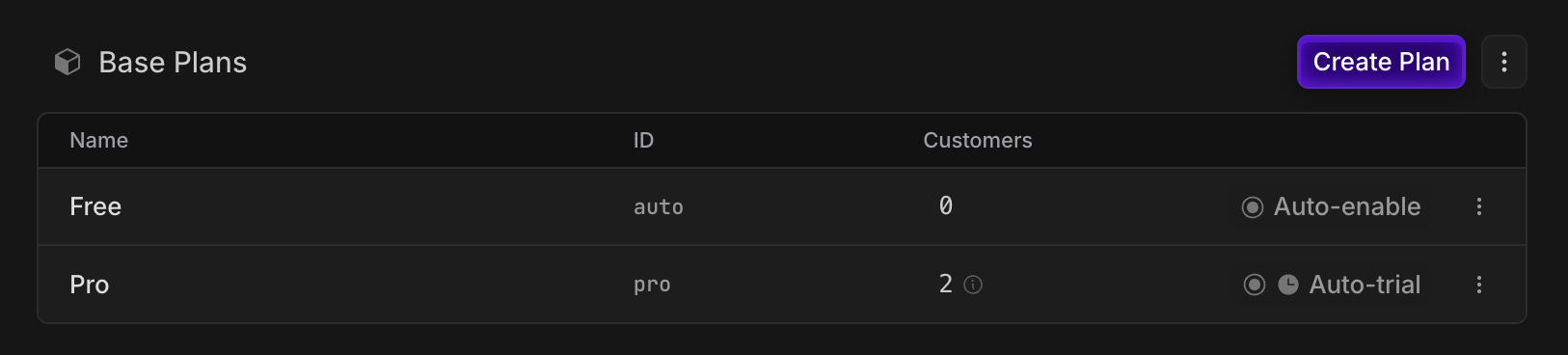
Implementation
Enabling the trial
Attach the plan to the customer to enable the trial. Since no card is required, no checkout is needed. If you switched the “auto-enable” flag to true, you can skip the attach step as the trial will be automatically applied to newly created customers.The trial will only be applied once per customer.
Adding a payment method
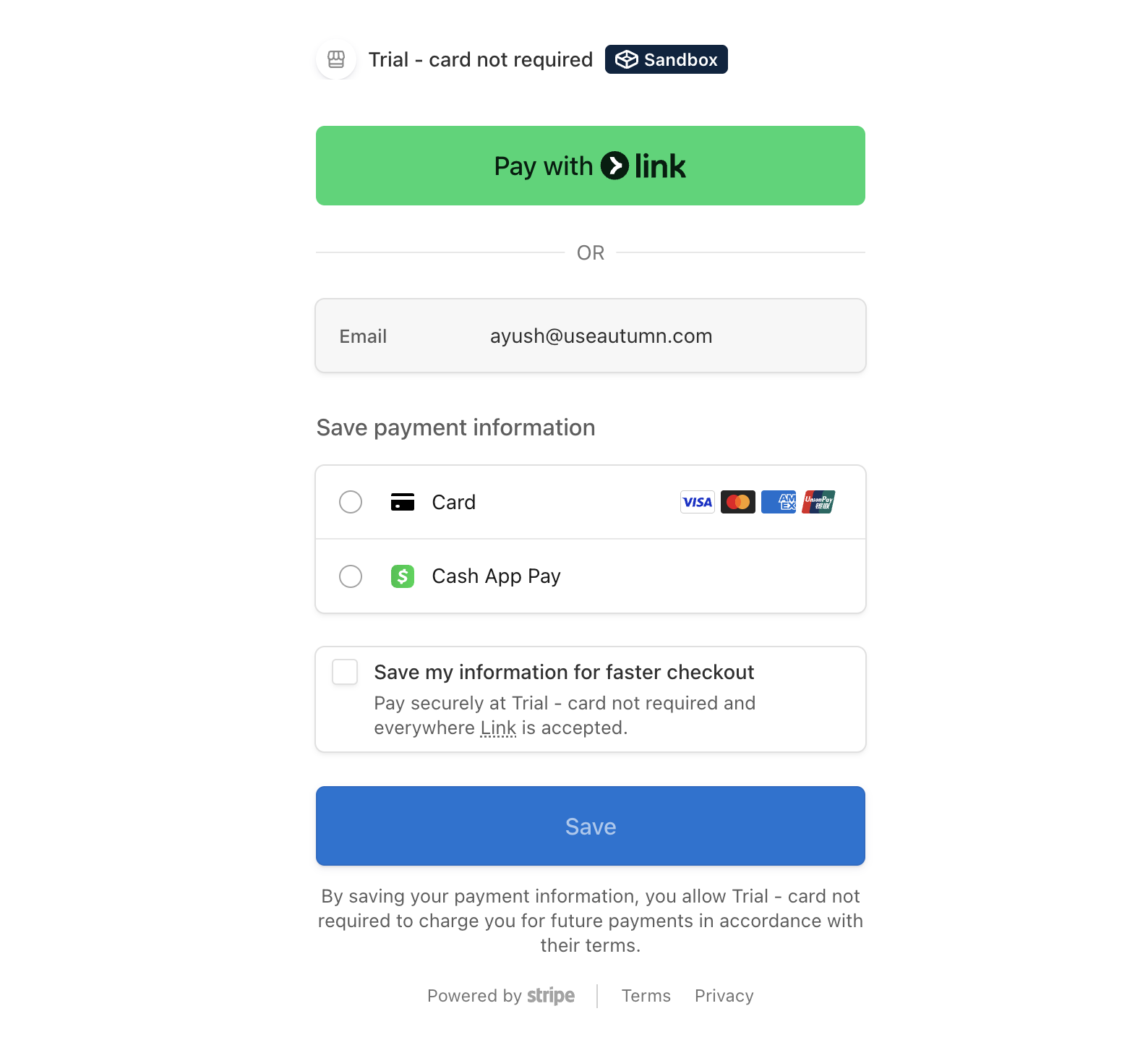
Customers can add a payment method and transition to the paid version of the plan using the setup payment endpoint. Once the trial ends, they will be charged for the plan. If the customer does not add a payment method, the trial will expire and they will lose access to the plan.Show hosted setup payment page
Show hosted setup payment page
Ending the trial early
You can end the trial early by cancelling the plan immediately, and attaching it again. You may want to pass in areward into the attach request to give the customer a discount for upgrading early.