

Seats here are just a number you bill for. If each seat also needs its own quota — 50 summaries per user per month, say — see entity-level balances.
Example case
We have a B2B collaboration tool with the following pricing:- Free tier: 3 seats included for free
- Pro tier: $20/month base price with 5 seats included, plus $10/seat/month for additional seats
Configure Pricing
1
Create Feature
Create ametered non-consumable feature called “seats”. Non-consumable features are for persistent resources like seats, GB storage, or workspaces.2
Create Free Plan
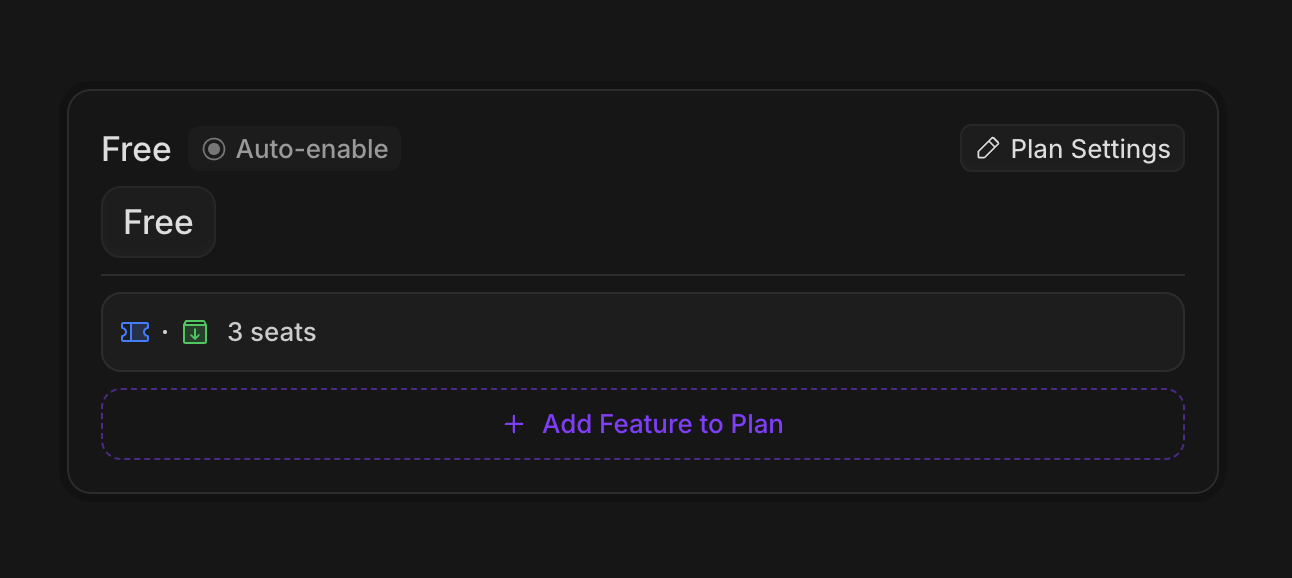
Create a free plan with 3 included seats. Setauto-enable so new customers automatically get this plan.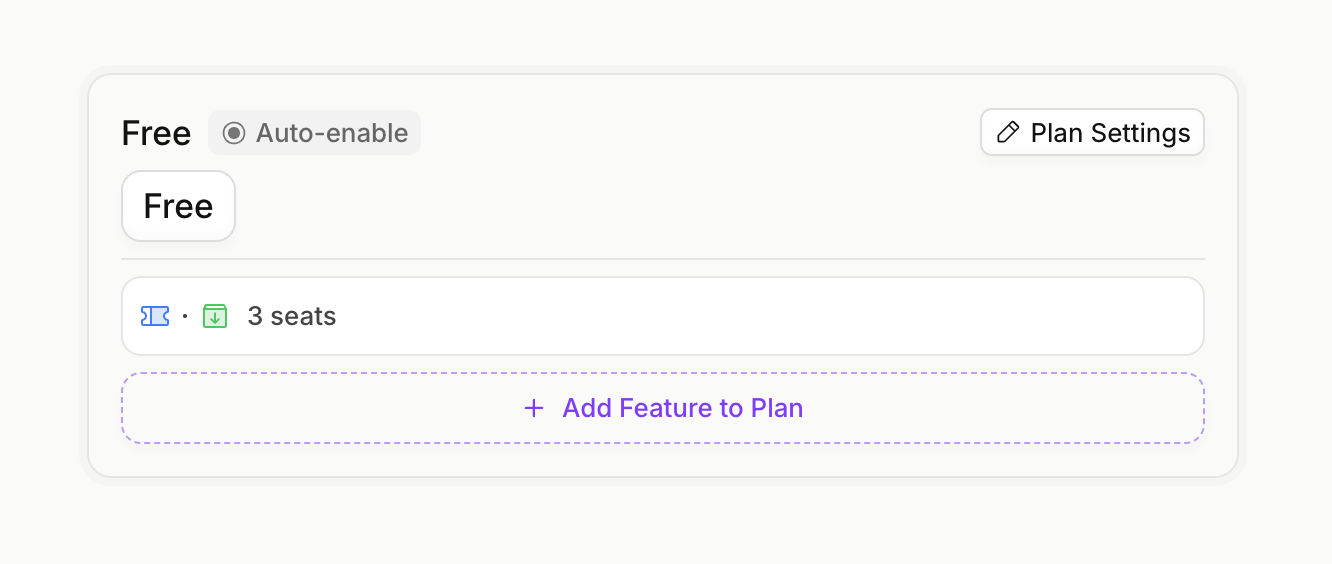
3
Create Pro Plan
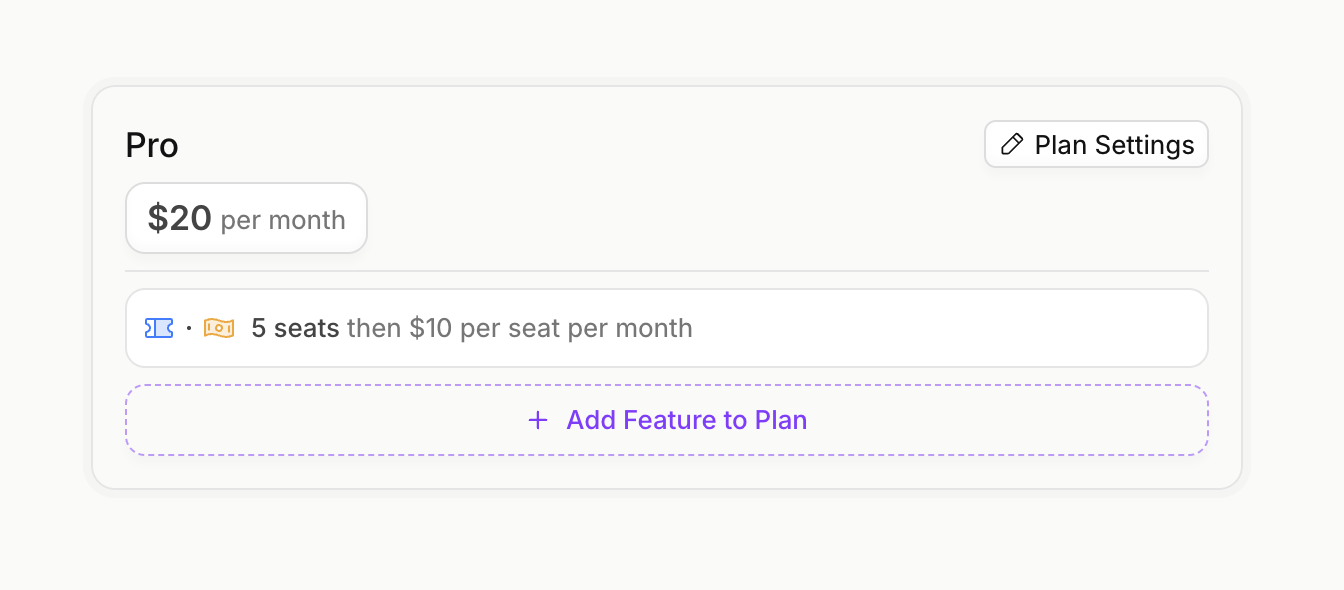
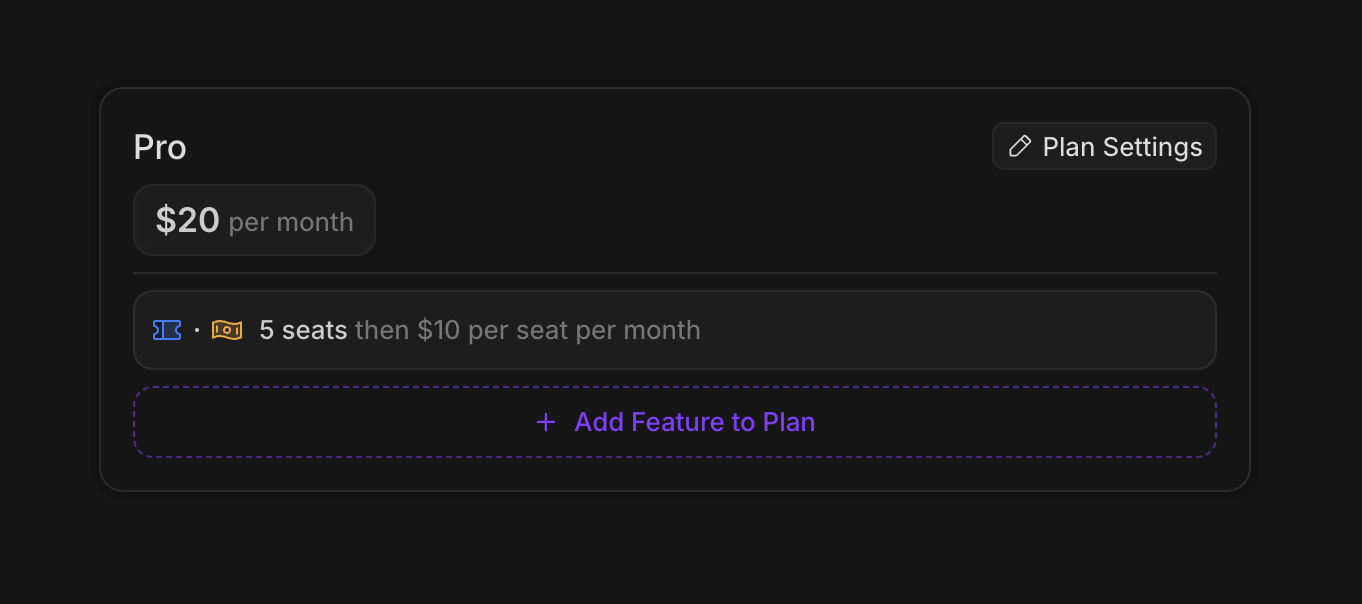
Create a Pro plan with a $20/month base price and 5 included seats.For additional seats beyond the included 5, add a priced feature at $10/seat/month. Choose your billing model:- Prepaid: Customer selects quantity upfront, charged immediately
- Pay per use: Customer is billed for actual usage at end of billing cycle
Configure Proration (optional)
Configure Proration (optional)
For non-consumable features like seats, you can configure how price changes are handled mid-billing cycle.On Increase (adding seats):
On Decrease (removing seats):
You can configure these in the “Advanced” section when adding the priced feature to your plan.
Implementation
1
Create an Autumn Customer
When your user signs up, create an Autumn customer. This will automatically assign them the Free plan with 3 included seats.2
3
Track Seat Usage
When team members are added, track seat usage. You can use thetrack endpoint to increment usage, or the usage endpoint to set the total directly.Remember to track the usage for the initial user as well, after customer creation.Seat usage tracked on the Free tier will carry over when the customer upgrades to Pro. If a customer is using 2 seats on Free and upgrades to Pro, those 2 seats remain in use and count against Pro’s included seats.
4
Upgrade to Pro
When the customer upgrades to Pro, use thecheckout endpoint. If they need additional paid seats beyond the 5 included, pass the quantity in options.5
Update Seat Quantity
How you update seat quantity depends on your billing model:- Prepaid
- Usage-based
For prepaid seats, use the
attach endpoint with updated options to change the seat quantity. This will handle proration based on your configuration.Prepaid quantity math:
- Pro includes 5 seats
- Current:
quantity: 3→ 8 total seats (5 + 3) - Updated:
quantity: 5→ 10 total seats (5 + 5) - Customer is charged prorated amount for 2 additional seats
6
Decrease Seat Quantity
When team members leave, you’ll want to decrease the seat count.- Prepaid
- Usage-based
Update the
options with a lower quantity. Depending on your proration configuration, the customer may receive a credit.