

Install
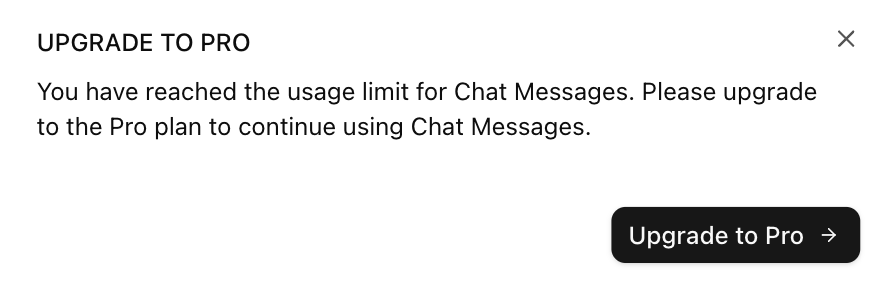
paywall-dialog component in your /components directory, under a /autumn folder.
Usage
Pass in thepaywall-dialog component to the check function (exported from the useCustomer hook).
check() function, Autumn will automatically pass in the withPreview: true parameter. If data.allowed: false is returned for the feature, the paywall will open with the following details:
- The feature they don’t have access to, or have run out of
- The next product tier they should upgrade to, in order to access the feature (or an add-on if no additional tier exists)
- A button that lets them purchase the next tier or add-on
Scenarios
When thepaywall-dialog component is installed, a /lib/autumn/get-paywall-content.tsx file is also installed. This file contains the dialog texts for each scenario (depending on the available products), which you can customize how you want.
/lib/autumn/get-paywall-content.tsx
Build your own
A paywall that prompts users to upgrade to the next tier when they hit a usage limit, or don’t have access to a feature. Thecheck function has a with_preview parameter that can be used to get paywall preview information when a customer doesn’t have access to a feature. This will contain information about the next product tier (or an add-on) they should upgrade to, in order to access the feature.
| Scenario | Description |
|---|---|
usage_limit | The customer has hit a usage limit for the feature |
feature_flag | The customer doesn’t have access to the feature |