

This is currently in beta. Reach out on Discord or email hey@useautumn.com to get access.
Prerequisites
- An Autumn account with a connected Stripe account
- A Vercel integration entry in the Vercel Integration Console
Setup
1
Open the Integration Console
Navigate to the Vercel dashboard, then go to Integrations → Browse Marketplace → Integration Console.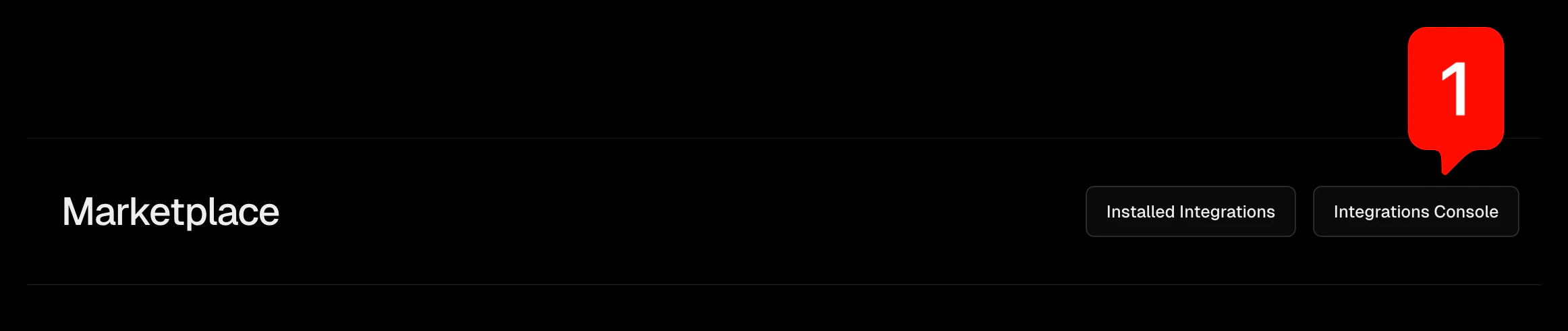
2
Copy your Vercel credentials
Scroll to the bottom of the Integration Console page to find your Client (Integration) ID and Client (Integration) Secret. You’ll need both of these for the Autumn dashboard.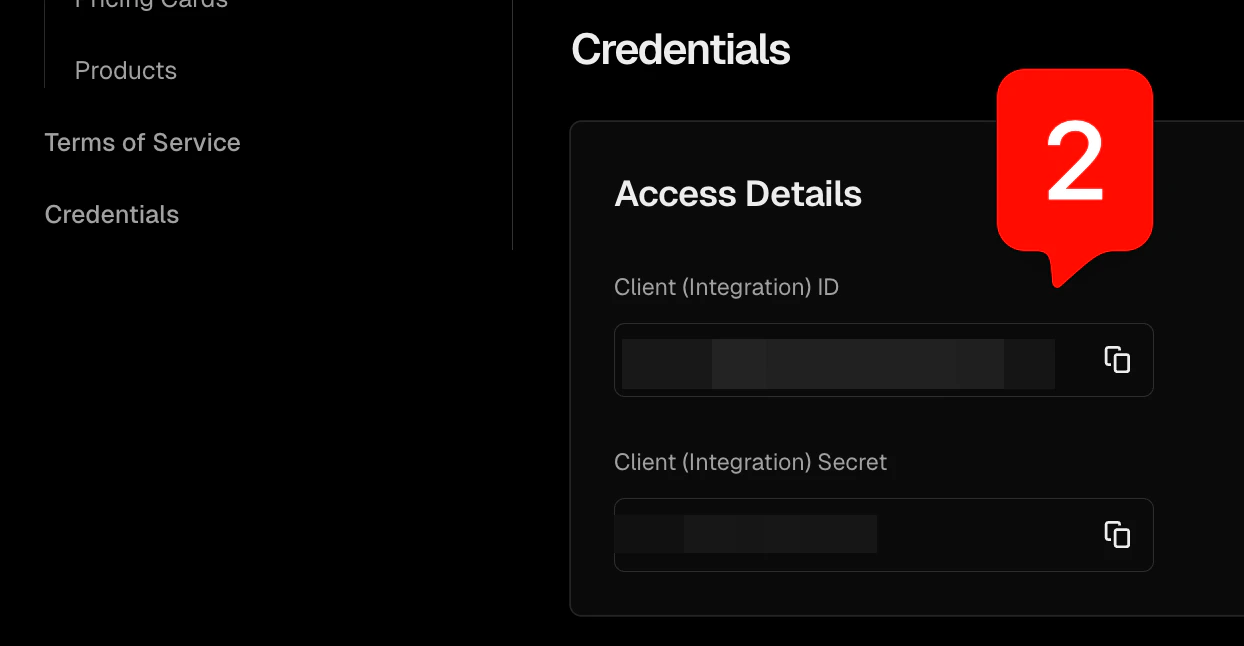
3
Copy the Base URL from Autumn
In the Autumn dashboard, open Developer → Vercel. Enter the Client ID and Client Secret from the previous step, then copy the Base URL that Autumn generates for you.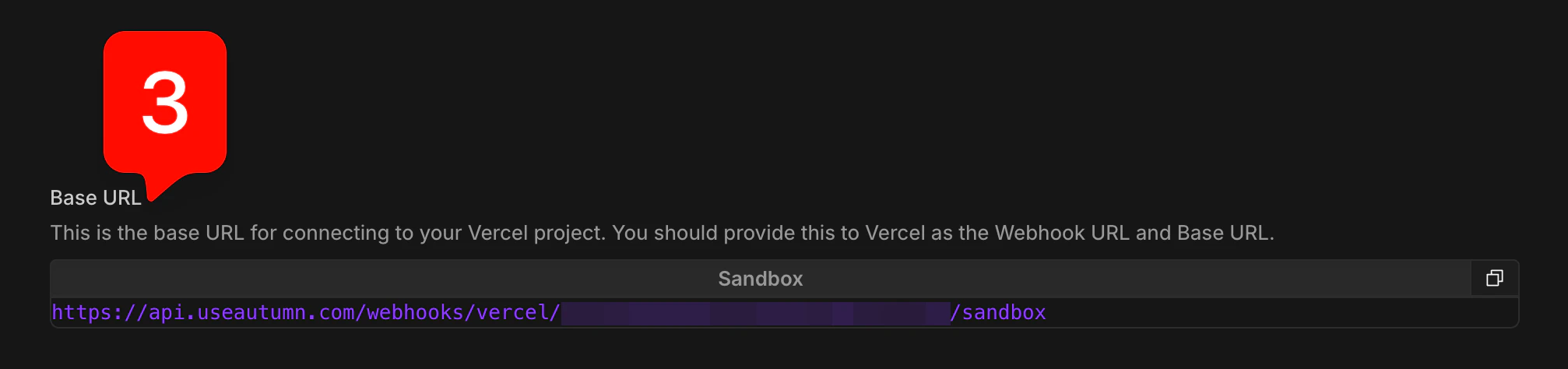
4
Set the Webhook URL in Vercel
Back in the Vercel Integration Console, paste the Autumn Base URL into the External Integration Settings → Webhook URL field.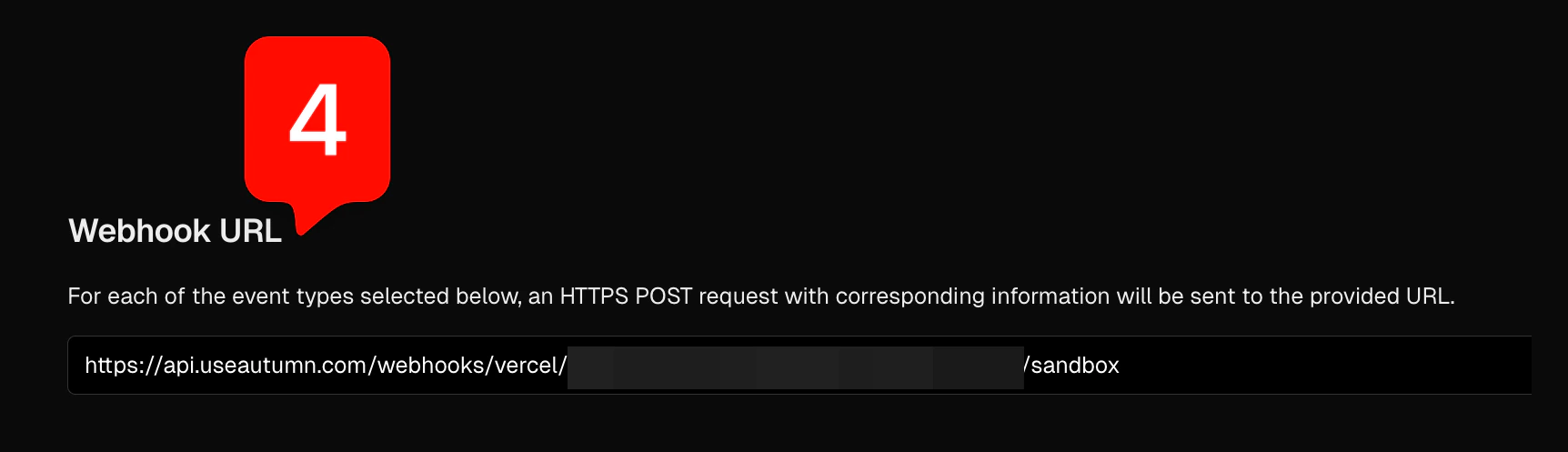
5
Set the Marketplace Base URL in Vercel
Paste the same Autumn Base URL into Marketplace Integration Settings → Base URL.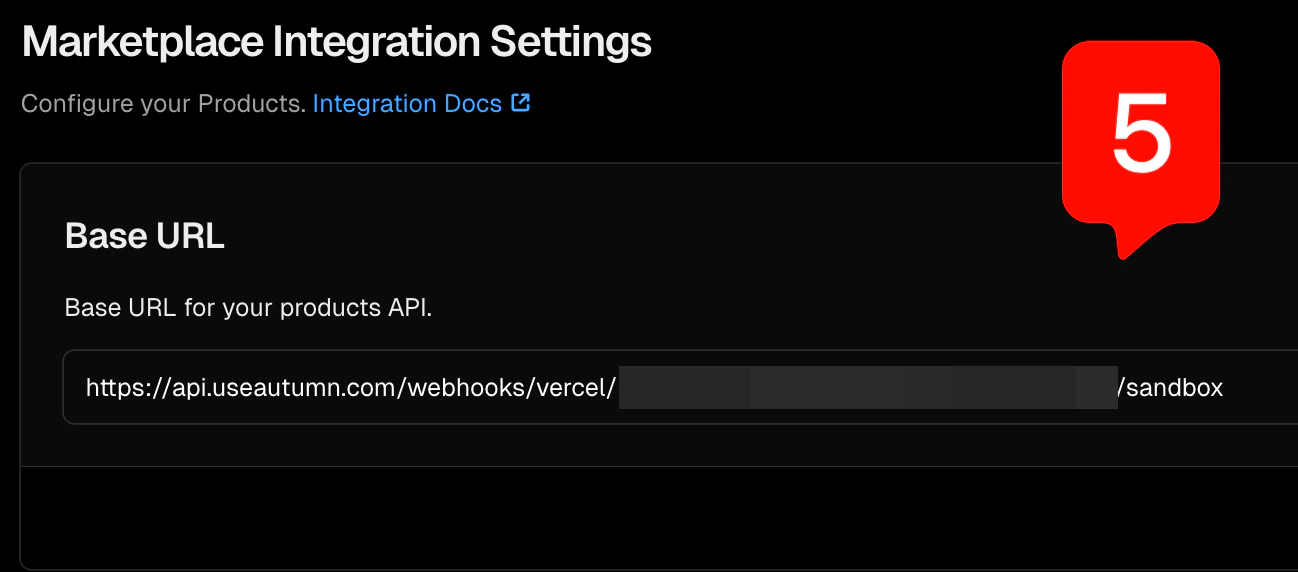
6
Create a Stripe custom payment method
Autumn uses Stripe’s billing clock for accurate billing cycles and invoice reporting via the Custom Payment Methods system. In the Stripe dashboard, go to Settings → Payments → Custom payment methods, then click Create a custom payment method.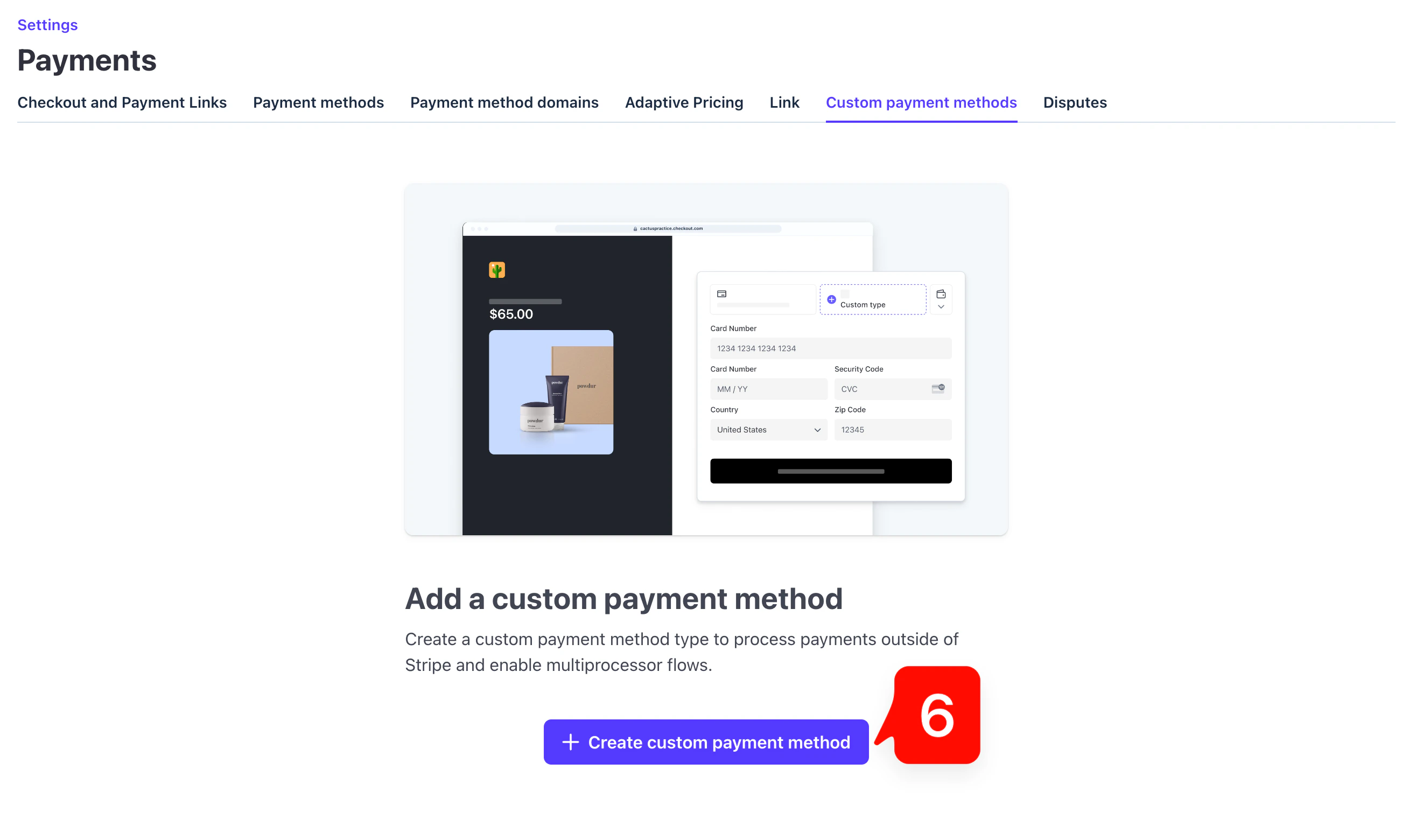
7
Provide a custom name and icon
Select Provide a custom name and icon at the bottom of the payment method selection dialog.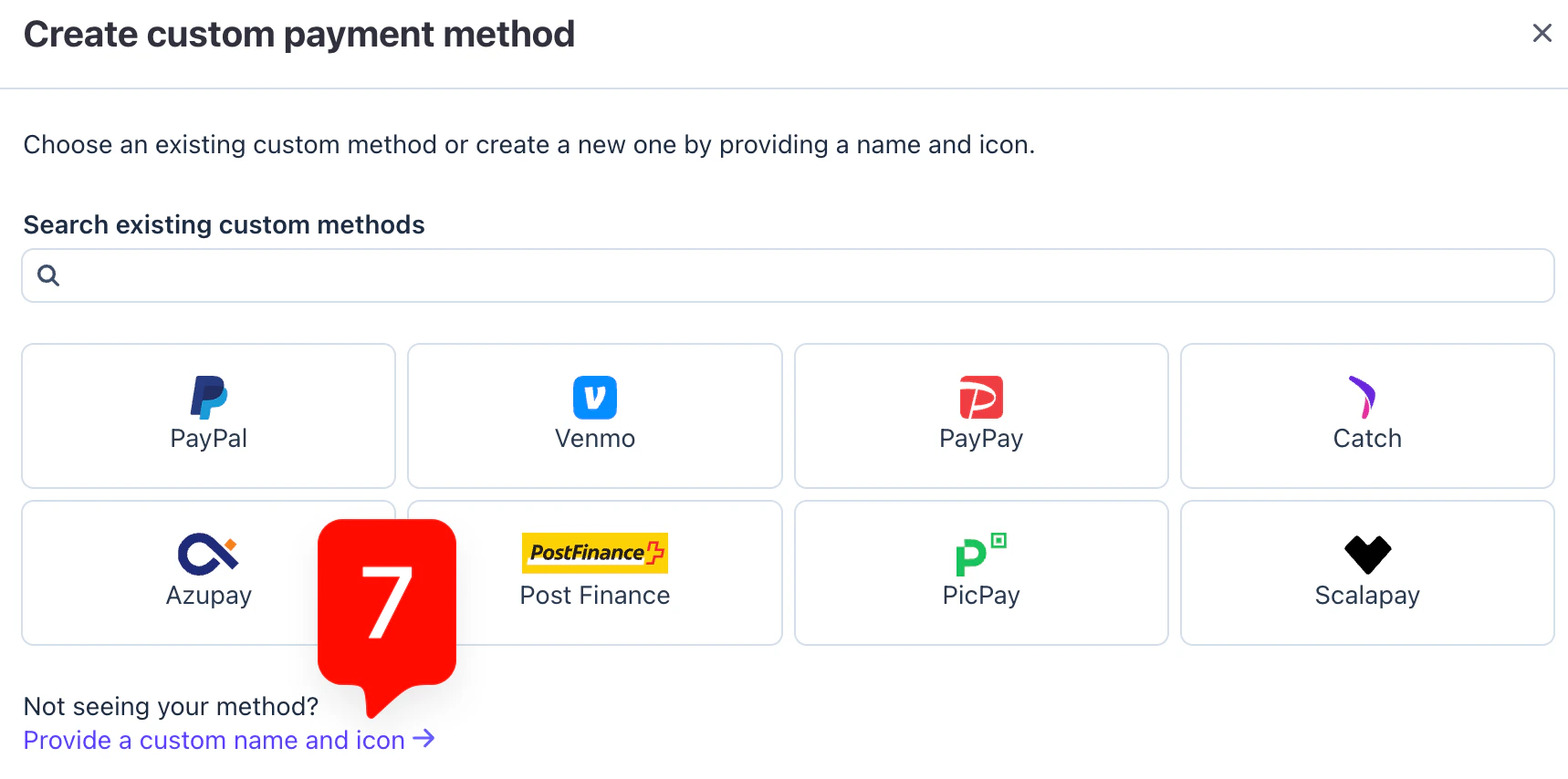
8
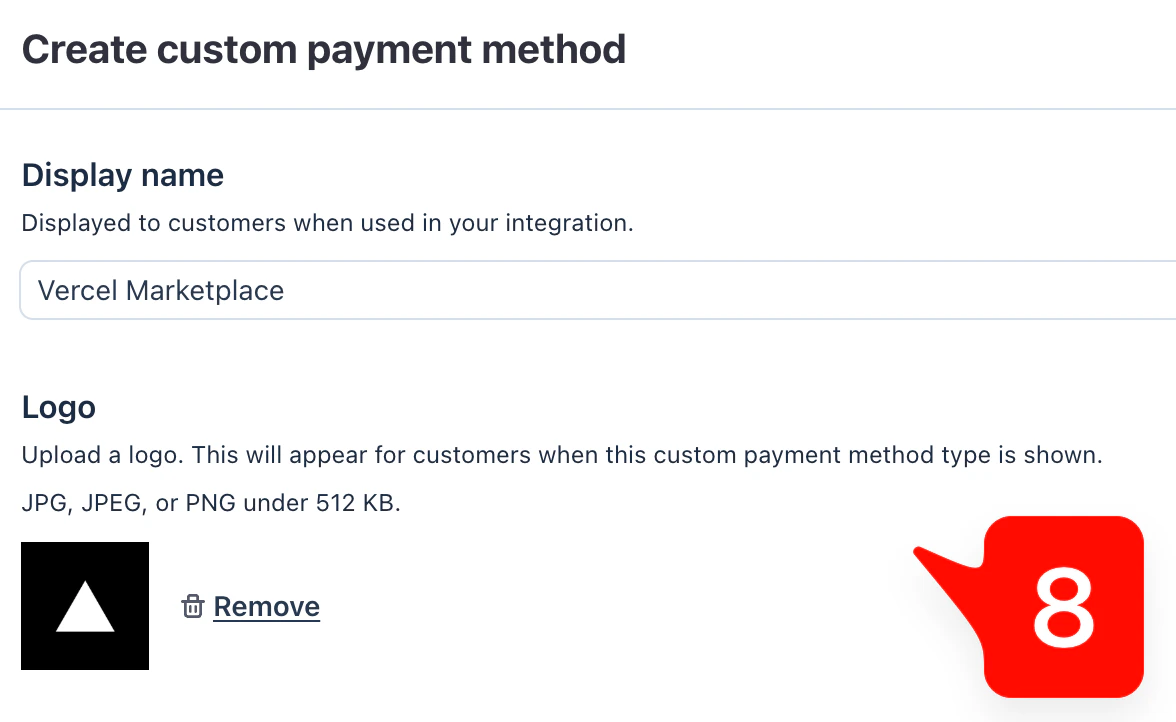
9
Copy the custom payment method ID
After creating the payment method, Stripe will display acustom.type ID (starting with cpmt_). Copy this ID and paste it into the Custom Payment Method ID field in the Autumn dashboard.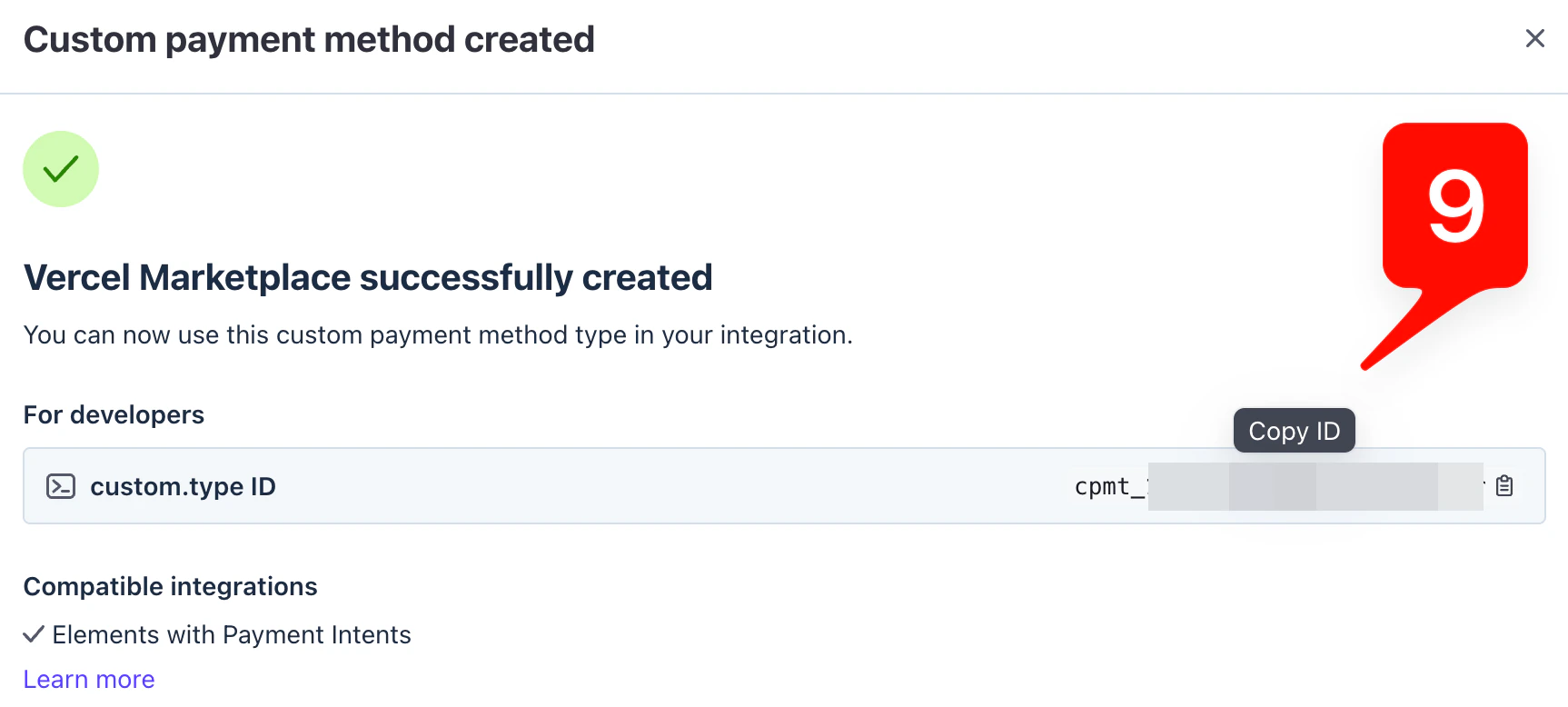
10
Configure webhook events
Finally, set up the webhook endpoint for events that Autumn sends to your application. In the Autumn dashboard under Developer → Vercel, use the Svix webhook iframe to create a new endpoint. Set your endpoint URL and subscribe to all Vercel events. You can ignore the standalone “Webhook URL” setting and leave it empty — the Svix iframe handles this instead.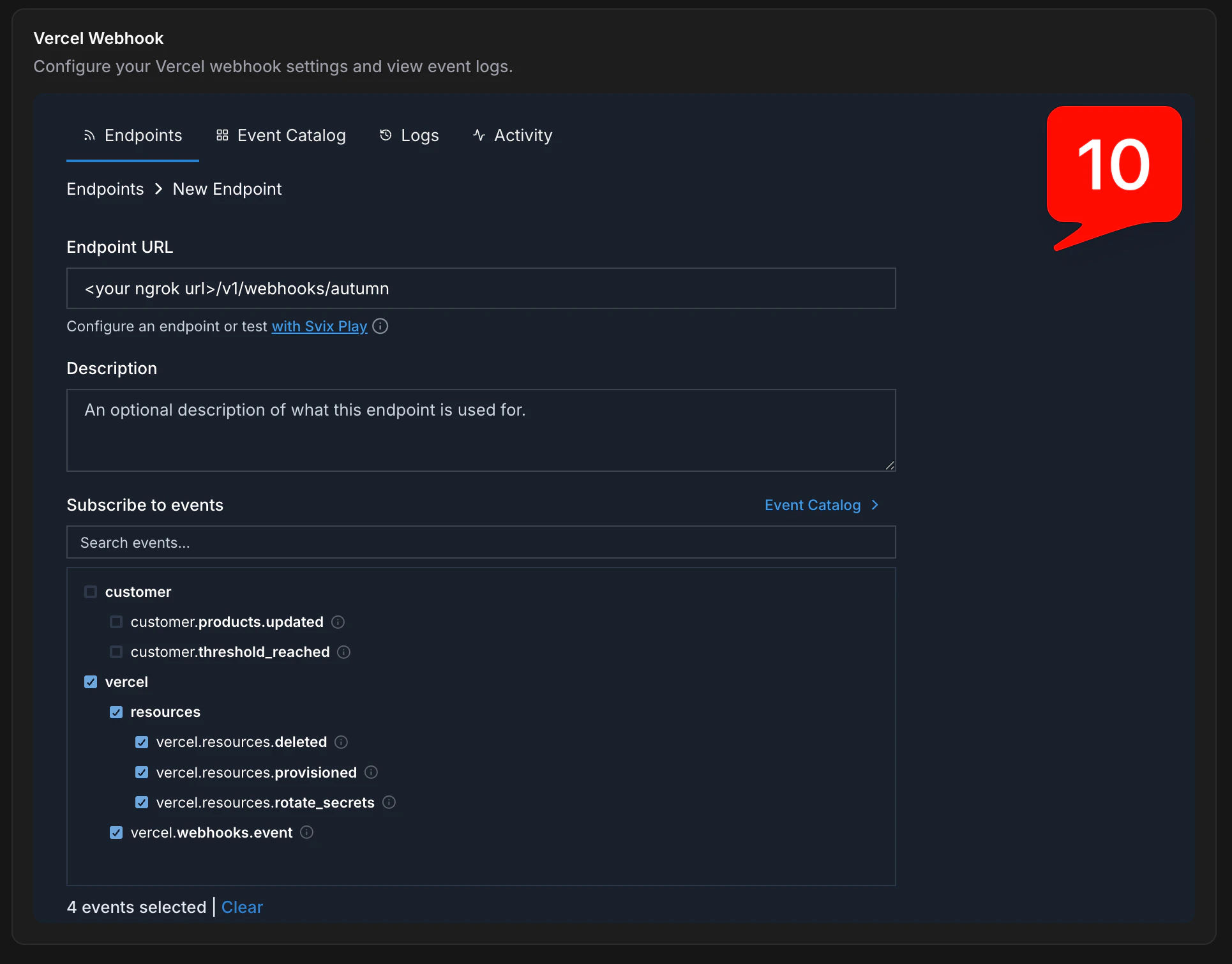
Validation
Once everything is configured, trigger a test event flow in Vercel to confirm end-to-end delivery. Verify that:- Vercel receives callback requests for key lifecycle events
- Autumn logs the incoming payload and processes it correctly
- Your application receives the forwarded webhook events